



What Happens If You Don't Update WordPress Plugins?
"If it's working, why touch it?" is the most natural instinct in the world - and it's exactly how most hacked WordPress sites get hacked. Here's the mechanism.
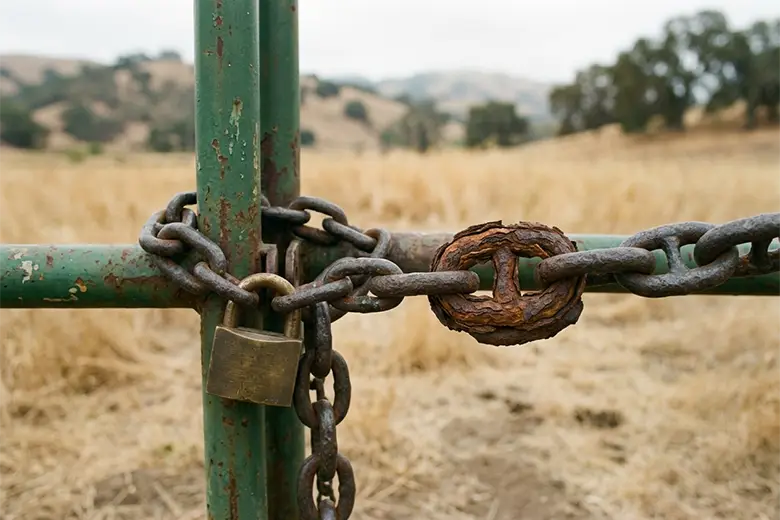
Here's the most reasonable-sounding mistake in WordPress: the site works, so why risk touching it? Updates sometimes break things. Leaving it alone feels like the cautious choice.
It's the opposite. And to see why, you need to understand what a plugin update actually is - because once you do, "if it works, leave it" stops sounding cautious and starts sounding like leaving your front door open because nobody's walked in yet.
What a plugin update actually contains
Updates do three different jobs, and they're not equal:
- New features - nice, and genuinely optional.
- Bug fixes - helpful, rarely urgent.
- Security patches - this is the one that matters, and it's the reason "leave it alone" is dangerous.
When a developer discovers a security hole in their plugin, they usually fix it and ship an update. So far, so good. (Not always, though: Patchstack found that 46% of WordPress vulnerabilities disclosed in 2025 had no patch yet when they went public, which is why abandoned plugins should be removed, not just left alone.) But here's the part that flips everything around:
The patch itself tells attackers where to look
Security fixes are usually documented publicly. When a plugin patches a vulnerability, that vulnerability gets written up, catalogued, and assigned a public ID in databases anyone can read - including the people looking for sites to break into.
So the moment a patch is released, two things happen at once:
- Everyone who updates is now safe.
- Everyone who doesn't is now running software with a publicly documented hole - and a public announcement has just gone out describing exactly where it is and how to use it.
The update isn't just protection. Skipping it is closer to publishing your own weakness. This is the single most counter-intuitive thing about web security, and the most important: an unpatched site gets more exposed over time, not less, because the exploit becomes more widely known the longer it sits there.
Nobody is targeting you. That's the point.
People picture a hacker choosing their site specifically. That's almost never what happens to a small business.
What actually happens is automated. Bots crawl the entire internet, constantly, checking every site they hit against a list of known vulnerabilities. They don't know who you are and they don't care. They're looking for any site running a version of any plugin with a known hole. When they find a match, the exploit runs automatically.
You're not being hunted. You're being scanned - along with everyone else - and an out-of-date plugin is simply what turns a scan into a hit. Which is oddly reassuring, in a way: it means the fix is entirely in your hands. Stay patched and the scanners roll straight past you. (When they don't, this is what a hacked site looks like, and how to recover.)
What "not updating" actually leads to, step by step
- A plugin you use has a vulnerability. Normal - it happens to good plugins.
- The developer patches it and the vulnerability is publicly documented.
- You don't update. The hole stays open on your site, now publicly known.
- Automated bots - which check for exactly this - reach your site and find the match.
- They inject spam, redirect your visitors, harvest data, or use your server to attack others.
- Google flags the site. Your traffic drops. Your emails start landing in spam.
- You discover it days or weeks later, and now you're paying for a cleanup that a click would have prevented.
Every step is routine. Multiply one skipped update by a dozen plugins over a year and it stops being a question of if.
"But updates break things"
Sometimes they do - a plugin update conflicts with your theme, or with another plugin, and something visibly breaks. This is a real risk, and it's exactly why "just enable auto-updates and forget it" isn't quite the right answer either.
The right way to update is:
- Apply updates on a staging copy first - a duplicate of your site nobody sees.
- Check the important pages there: checkout, forms, anything custom.
- Only push to the live site once you've confirmed nothing broke.
That way you get the security without gambling the live site. It's more work than clicking "update all" - which is the honest reason it so often doesn't happen.
The takeaway
Not updating doesn't keep your site stable. It quietly converts your site into a known, documented, automatically-discoverable target, and leaves it that way until something finds it.
The work to prevent all of this is genuinely small - test updates, apply them, keep a backup. The trouble is that it has to happen consistently, month after month, and it's invisible when it's working, so it's the first thing to slip.
That's the whole reason ongoing maintenance exists: not because updating is hard, but because remembering to, every month, forever, is. If you keep on top of it yourself, you've closed the most common door there is. If you'd rather it simply be handled and never think about it again - that's what a Website Care Plan is for.
Related reading
- My WordPress site was hacked - what now? - the recovery guide, for when prevention didn't happen.
- Why website maintenance is crucial - the bigger case for staying on top of it.
- What should website maintenance cost? - what it's worth paying to have this handled.
Wondering what shape your own site is in?
Get a free 27-point Website Health Check - security, speed, accessibility and SEO. Plain English, no pitch.
Check my site